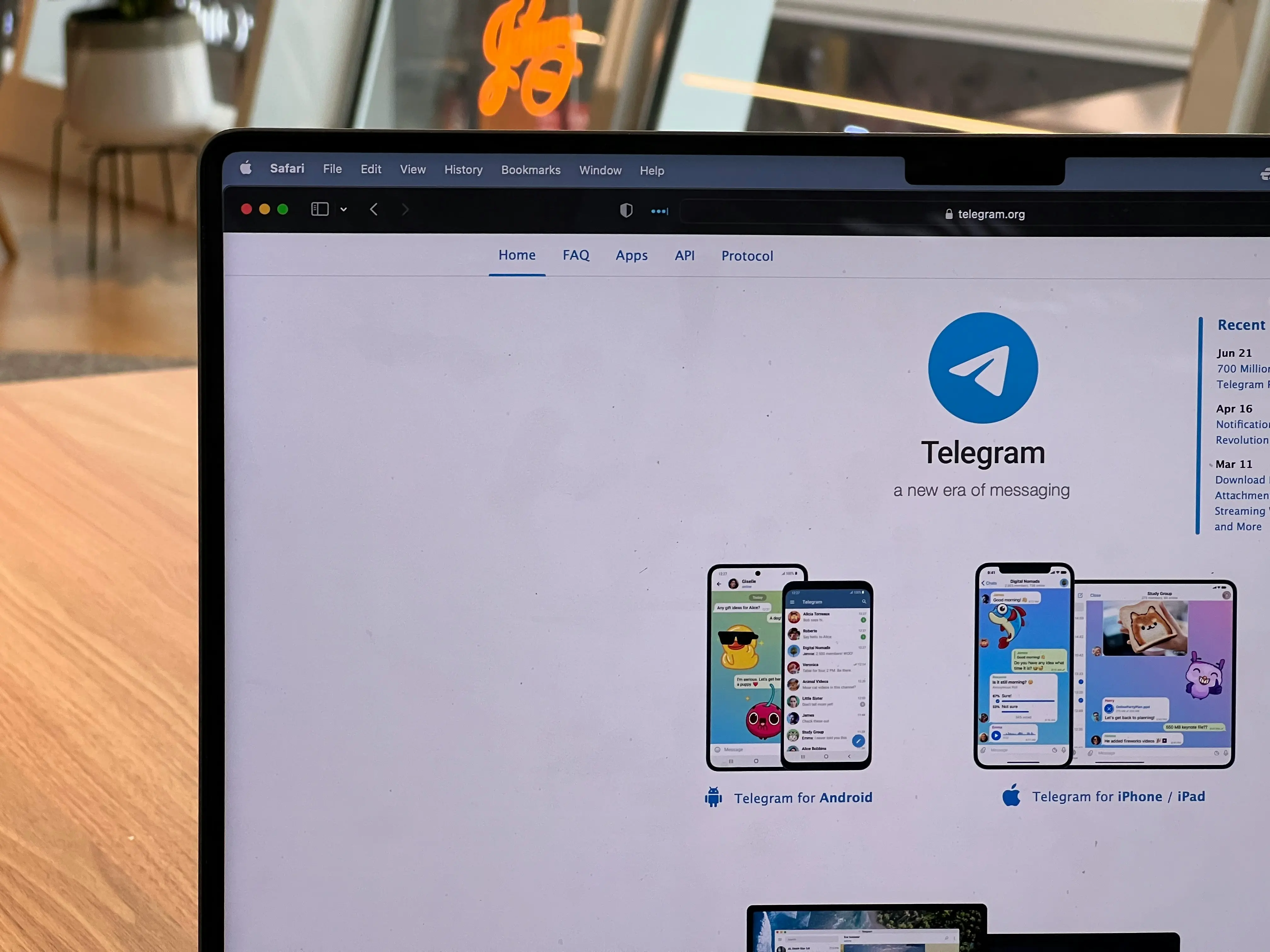
In the crowded world of messaging apps, Telegram has quickly carved out a reputation for speed, security, and versatility. With over 700 million active users worldwide, it’s more than just a chat app—it’s a platform for communities, file sharing, and secure communication. Whether you’re a casual user, a professional, or someone looking for a safer alternative to traditional messaging apps, understanding Telegram’s standout features can help you make the most of it. As a leader in the revolution today, Telegram is transforming how people communicate securely and efficiently.
Introduction to Telegram
- Telegram is the fastest messaging app with a unique distributed network of data centers worldwide, providing reliable messaging even on the weakest mobile connections.
- The app offers a secure and private way to connect with others, making it one of the most downloaded apps worldwide.
- With over 1 billion active users globally, Telegram has become a leading platform for messaging and collaboration.
- Telegram excels at connecting people around the world, enabling seamless, fast, and secure communication across diverse devices.
- Telegram’s interface is clean and simple, designed to meet expressive needs without distraction.
- The app is available on multiple devices, including desktop and mobile, with a fully customizable theme.
Getting Started with Telegram
Getting started with Telegram is quick and straightforward, making it accessible for anyone looking to join a fast and secure messaging app. To begin, simply download the Telegram app from your device’s app store—whether you’re on Android, iOS, Windows, macOS, or prefer the web version, Telegram has you covered with fully customizable themes and a consistent experience across platforms.
Once installed, you can sign up using your phone number, which helps you easily import contacts and start chatting right away. Telegram’s interface is clean and intuitive, allowing you to find your way around without any hassle. You can personalize your experience by setting a profile picture, choosing a theme, and adjusting privacy settings to control who can see your information.
Telegram messenger is designed to work seamlessly on multiple devices, so you can access your messages, media, and files from your phone, tablet, or computer. Whether you’re new to messaging apps or switching from another platform, Telegram makes it easy to connect with friends, family, and colleagues while keeping your data secure and your interface clean.
Key Features of Telegram
- Telegram offers secret chat messages with end-to-end encryption, providing the best security for users and self-destruct options for maximum privacy.
- The app provides a reliable messaging system, allowing users to create group chats with up to 200,000 members.
- Telegram’s cloud storage, known as the Telegram cloud, securely stores entire chat history and media, enabling secure, cross-device access without needing a phone connected.
- The app features powerful photo and video editing tools, animated stickers, and fully customizable themes.
- Telegram is free and open-source, with a fully documented API and verifiable builds from the exact same source code.
Why Telegram Stands Out
Telegram combines speed, security, and flexibility. Compared to older messengers, which often lacked advanced functionalities, robust security protocols, and a seamless user experience, Telegram stands out with its modern features. Unlike some messaging platforms that limit file sizes or the number of participants, Telegram allows users to communicate freely, share large files, and even automate tasks with bots. Its cloud-based infrastructure ensures your messages are accessible across devices without compromising security.
Security and Privacy
- Telegram’s secret chat messages use end-to-end encryption, ensuring only the intended recipient can access messages via secure key exchange.
- The app offers self-destruct options for messages, providing an additional layer of security and privacy.
- Users can control who has access to their information, with options to hide last seen status, phone number, and profile picture.
- Telegram’s data centers are distributed worldwide, providing a secure and reliable way to store and transmit data. Telegram also uses secure protocols like https to protect user data during transmission.
- The app’s security model is designed to protect user data, with regular updates and improvements to ensure maximum privacy. User data is securely stored using advanced encryption methods.
Secret Chat Messages
- Secret chat messages are encrypted end-to-end, ensuring only the intended recipient can access the messages.
- These messages can self-destruct automatically, providing an additional layer of security and privacy.
- Secret chats are device-specific, and messages are not stored on Telegram’s servers, providing maximum security.
- Users can start a secret chat with any contact, and the app will guide them through the process.
- Secret chat messages are perfect for sensitive information, providing a secure way to communicate.
Cloud Storage
- Telegram’s cloud storage securely stores entire chat history and media, accessible across all devices. This approach minimizes the use of local disk space on your device, as your files and messages are stored in the cloud.
- The app’s cloud storage is designed to provide a reliable and secure way to store and transmit data.
- Users can access their cloud storage from any device, without needing a phone connected.
- The cloud storage is fully customizable, allowing users to control what data is stored and for how long.
- Telegram’s cloud storage is one of the most secure and reliable in the industry, providing maximum privacy and security. Telegram is also optimized to use little data, ensuring efficient performance even on limited or weak connections.
Group Calls and Collaboration
- Telegram offers group calls with up to 200 participants, providing a powerful way to collaborate and communicate.
- The app’s group calls are encrypted end-to-end, ensuring maximum security and privacy.
- Users can create group chats with up to 200,000 members, providing a powerful way to host online communities.
- Telegram enables seamless parties access to group chats and calls across multiple devices, allowing all participants to stay synchronized and collaborate effectively.
- The app features powerful coordination tools, making it easy to manage and participate in group calls and chats.
- Telegram’s group calls and collaboration features are perfect for teams and communities, providing a secure and reliable way to communicate.
Group Chats and Channels
Telegram excels at bringing people together, whether you’re coordinating teamwork, hosting online communities, or simply chatting with friends. With the ability to create group chats for up to 200,000 members, Telegram offers one of the most powerful platforms for group communication available today. Group chats are perfect for sharing media, discussing ideas, and keeping your entire chat history accessible to all members, no matter how large the group grows.
For those looking to broadcast messages to a wider audience, Telegram channels provide a one-way communication tool where admins can send updates, share large videos, and distribute files to unlimited subscribers. Channels are ideal for businesses, influencers, and organizations that want to reach their followers efficiently.
Both group chats and channels support advanced features like polls, bots for specific tasks, and the ability to send media and even files of any size. Whether you’re managing a small team or hosting massive online communities, Telegram’s group features make it the perfect tool for reliable, large-scale communication.
Voice and Video Calls
- Telegram offers end-to-end encrypted one-on-one voice and video calls, providing a secure and private way to communicate.
- The app’s voice and video calls are designed to provide a reliable and high-quality way to communicate.
- Users can make voice and video calls from any device, without needing a phone connected.
- The app features powerful noise suppression and echo cancellation, providing a high-quality calling experience.
- Telegram’s voice and video calls are perfect for personal and professional use, providing a secure and reliable way to communicate.
Data and Storage Settings
- Telegram allows users to control their data and storage settings, providing a secure and private way to communicate.
- The app’s data and storage settings are designed to provide a reliable and customizable way to store and transmit data. Users can manage these settings across all participating devices, ensuring consistent control no matter where they access Telegram.
- Users can control what data is stored and for how long, providing maximum security and privacy.
- The app features powerful cache management, making it easy to clear and manage stored data.
- Telegram’s data and storage settings are perfect for users who want to control their data, providing a secure and reliable way to communicate. These features are not limited to one device, allowing flexible access and management from any device you use.
Stickers, Emoji, and Reactions
- Telegram offers a wide range of stickers, emoji, and reactions, providing a fun and expressive way to communicate.
- Free users have access to a limited selection of reactions, while premium users enjoy additional options.
- The app’s stickers, emoji, and reactions are designed to provide a customizable and personalized way to communicate.
- Users can create and share their own stickers and emoji, providing a unique and creative way to express themselves.
- The app features powerful sticker and emoji management, making it easy to organize and use stickers and emoji.
- Telegram’s stickers, emoji, and reactions are perfect for personal and professional use, providing a fun and expressive way to communicate.
People Nearby and Groups Near Me
- Telegram’s People Nearby and Groups Near Me features allow users to connect with others in their area.
- The app’s People Nearby feature is designed to provide a secure and private way to connect with others.
- Users can control who can see their location, providing maximum security and privacy.
- The app features powerful location management, making it easy to control and manage location settings.
- Telegram’s People Nearby and Groups Near Me features are perfect for users who want to connect with others in their area, providing a secure and reliable way to communicate.
Desktop and Mobile Apps
Telegram offers a seamless experience across all your devices, ensuring you stay connected wherever you are. With dedicated Telegram apps for Windows, macOS, Linux, Android, and iOS, as well as a robust web version, you can access your chats, media, and files from any device—no need to keep your phone connected.
All Telegram apps are open source, with verifiable builds compiled from the exact same source code, giving users confidence in the platform’s transparency and security. Whether you’re working from your desktop or messaging on the go, Telegram’s interface remains consistent and user-friendly.
Thanks to Telegram’s cloud-based infrastructure, your entire chat history, media, and files are instantly synced across devices. This means you can start a conversation on your phone, continue it on your laptop, and pick it up later on your tablet without missing a beat. With regular updates and a commitment to security combined with convenience, Telegram apps are designed to meet the needs of today’s connected world.
Advertising and Monetization
- Telegram does not serve ads in private chats, providing a secure and private way to communicate.
- The app’s advertising and monetization model is designed to provide a non-intrusive and respectful way to generate revenue.
- Users can support Telegram by purchasing premium features and subscriptions, providing a way to support the app’s development and maintenance.
- The app features powerful ad management, making it easy to control and manage ads.
- Telegram’s advertising and monetization model is perfect for users who want a secure and private way to communicate, providing a non-intrusive and respectful way to generate revenue.
Blockchain and Cryptocurrency
- Telegram has explored the use of blockchain and cryptocurrency, providing a secure and private way to conduct transactions.
- Telegram also supports collectible gifts, which are unique virtual items registered on the blockchain as NFTs. These collectible gifts often feature exclusive artwork and attributes, and can be traded, upgraded, or collected by users.
- The app’s blockchain and cryptocurrency features are designed to provide a customizable and personalized way to conduct transactions.
- Users can use Telegram’s blockchain and cryptocurrency features to send and receive payments, providing a secure and reliable way to conduct transactions.
- The app features powerful transaction management, making it easy to manage and conduct transactions.
- Telegram’s blockchain and cryptocurrency features are perfect for users who want a secure and private way to conduct transactions, providing a customizable and personalized way to communicate.
Community and Support
- Telegram has a large and active community, providing a secure and private way to connect with others.
- The app’s community and support features are designed to provide a customizable and personalized way to connect with others.
- Users can access Telegram’s community and support features from any device, without needing a phone connected.
- The app features powerful community management, making it easy to manage and participate in communities.
- Telegram’s community and support features are perfect for users who want to connect with others, providing a secure and reliable way to communicate.
Future Development and Updates
Telegram is constantly evolving, driven by a commitment to innovation and user feedback. The platform regularly introduces new features and improvements, ensuring it remains at the forefront of secure and reliable messaging. With an open source approach and a fully documented, free API, Telegram encourages developers to build mini apps and tools that expand its unprecedented array of capabilities.
The Telegram team listens closely to its active user base, rolling out updates that address both security and usability. From enhanced privacy controls to new ways to share disappearing content and coordinate large online communities, Telegram continues to set the standard for what a modern messaging app can achieve.
As technology advances, Telegram’s distributed network and focus on security combined with flexibility ensure it will remain a leader in the revolution today’s users expect. Whether you’re waiting for new features or looking for the most reliable messaging system, Telegram’s ongoing development means you never have to wait years for the latest innovations—your messaging experience keeps getting better with every update.
Why Telegram Is Worth Using
Telegram’s combination of speed, security, and versatility makes it an appealing choice for everyone—from casual messaging to professional collaboration. Its cloud storage, large group support, and extensive customization options set it apart from competitors, while its strong privacy features give users peace of mind.
Final Thoughts
Telegram isn’t just another messaging app—it’s a platform that prioritizes speed, privacy, and flexibility. Whether you’re sharing large files, managing communities, or simply chatting with friends, Telegram offers features that make messaging fast, secure, and fun. By exploring its unique capabilities, you can take full advantage of everything Telegram has to offer and enjoy a seamless communication experience.
FAQs
1. Is Telegram really secure?Yes. Telegram offers Secret Chats with end-to-end encryption, self-destructing messages, and advanced privacy settings to protect your data. Regular chats are cloud-encrypted for convenience, while sensitive conversations can remain fully private.
2. Can I share large files on Telegram?Absolutely. Telegram allows you to send files up to 2 GB in size, making it ideal for documents, videos, and high-resolution media without worrying about storage limits.
3. How many people can join a Telegram group?Telegram supports groups of up to 200,000 members and channels with unlimited subscribers, making it perfect for large communities or organizational communication.
4. Are Telegram messages synced across devices?Yes. Telegram is cloud-based, so messages, media, and files are automatically synced across all devices, including smartphones, tablets, desktops, and the web version.
5. What are Telegram bots and how can they help me?Telegram bots are automated tools that perform tasks such as reminders, polls, translation, and customer support. They enhance productivity and make chats more interactive.
6. What is a mini app in Telegram?A mini app in Telegram is a small application that runs directly within chats, allowing users to access specific services or perform tasks without leaving the app. Mini apps are integrated into Telegram's platform to enhance user interaction and automation, and are often developed by third parties to offer features like affiliate programs or games.
7. Are there open source apps for Telegram?Yes, Telegram offers open source apps. This means the source code is publicly available, allowing anyone to review, verify, and contribute to its development. Open source apps provide transparency, encourage community-driven improvements, and appeal to users who value privacy and customizable software solutions.
8. What is the OpenSSL exception in Telegram Desktop's license?Telegram Desktop's source code is licensed under GPLv3 with a special OpenSSL exception. This means it can be distributed with OpenSSL libraries, making it easier for developers to use and share the software while complying with both GPLv3 and OpenSSL licensing requirements.