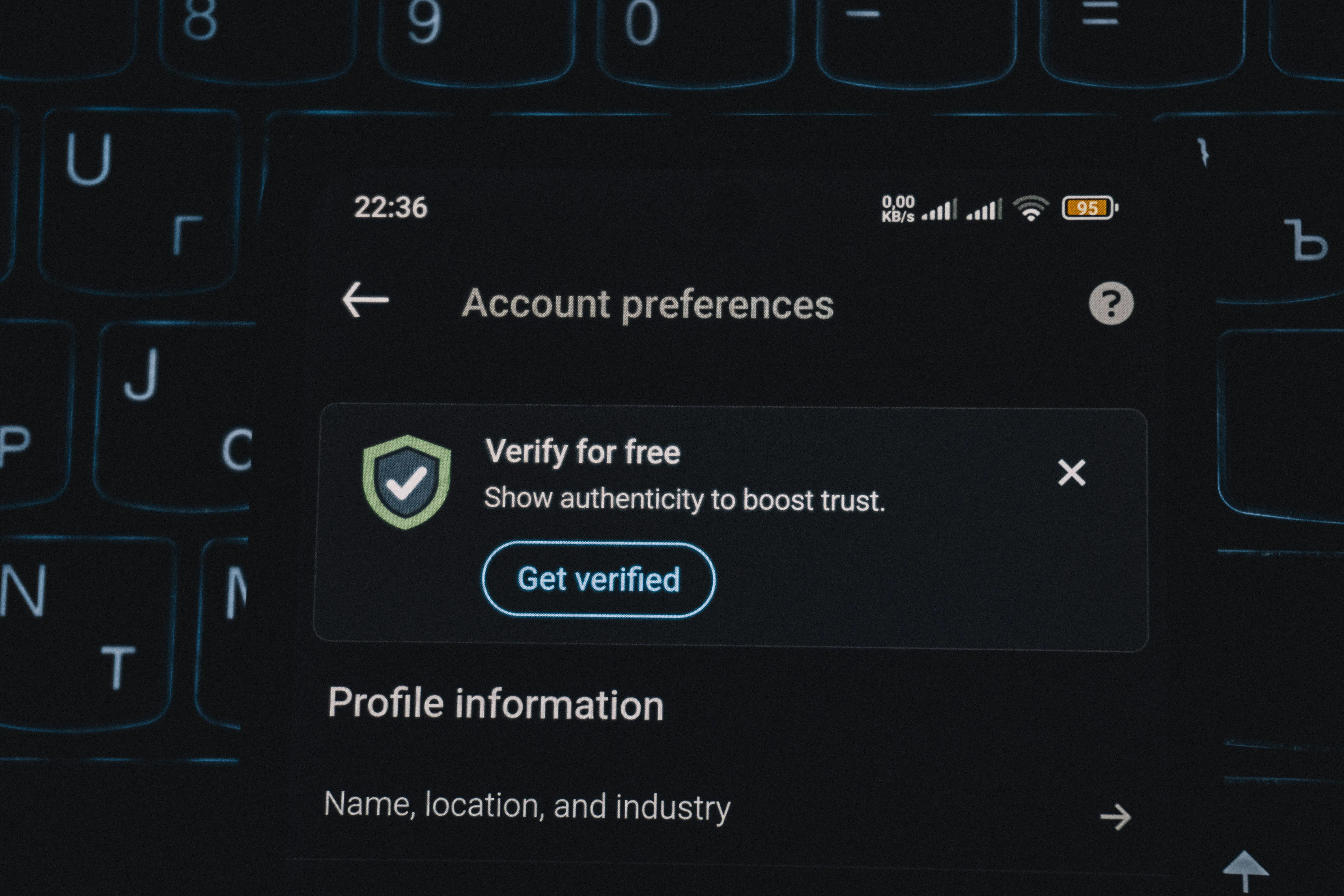
In today’s connected world, social media and online platforms have become an integral part of our lives. While these platforms offer amazing ways to communicate and share, they also open the door to risks like fake profiles. Fake profiles can impersonate you or others, spread misinformation, or even scam unsuspecting users. Unlike a real person, whose online presence is backed by authentic profiles with genuine names, photos, and personal information, fake profiles often lack these signs of true identity, making it crucial to verify authenticity online.
What Are Fake Profiles and Why They Matter
A fake profile is an online account created to impersonate someone, mislead others, or conduct malicious activities. These profiles are used for:
- Identity theft – stealing personal information to commit fraud.
- Harassment or bullying – targeting individuals with fake accounts.
- Scams and phishing – tricking users into sharing sensitive data or money.
- Spreading misinformation – influencing opinions or manipulating public perception.
Protecting your identity starts with recognizing the risks posed by fake profiles.
How to Spot a Fake Profile
Identifying a fake profile is the first step in protecting yourself. Common signs include:
- Incomplete or generic profiles: Missing photos, bio, or personal details.
- Stolen photos: Profile pictures that are pulled from stock images or other accounts.
- Suspicious usernames: Random letters, numbers, or misspellings.
- Low activity or unusual engagement: Few posts, repetitive comments, or mass-following accounts.
- Suspicious messages: Fake accounts often send a message to users, typically through private messages, attempting to scam or impersonate them. Watch for immediate friend requests, urgent requests for money, or too-good-to-be-true offers.
Protecting Your Identity Online
Beyond reporting, taking preventive measures is key to protecting your identity:
- Enable two-factor authentication (2FA) on all accounts.
- Keep personal information private, including phone numbers, addresses, and email addresses.
- Monitor for impersonation using reverse image searches or online monitoring tools.
- Educate friends and family about suspicious accounts to prevent them from being scammed.
- Monitor your contacts for unusual or suspicious activity, and forward any suspicious messages or reports you receive to help identify and address scams quickly.
Introduction to Online Safety
- Online impersonation is a growing concern on social media platforms, where fake accounts can be created to impersonate public figures, businesses, and individuals.
- Understanding the risks of online impersonation is crucial to protecting your identity and preventing identity theft.
- Learning how to report fake profiles and impersonation accounts can help you stay safe online.
- It’s essential to be aware of the community standards and reporting processes on various social media platforms.
- By taking the necessary steps, you can prevent fake profiles from being created and protect your online reputation.
Understanding Impersonation Account Creation
- Impersonation accounts can be created using false information, such as a fake name, picture, and bio, and are often pretending to be someone else.
- Scammers may create a new account using someone else's information to impersonate them and deceive others.
- Scammers can use these accounts to trick people into giving them money or sensitive information.
- Fake profiles can be used to spread false information, damage someone’s reputation, or commit scams.
- It’s essential to be cautious when interacting with new accounts or profiles online.
- Regularly reviewing your search results and online presence can help you detect impersonation accounts.
The Risks of Online Impersonation
- Online impersonation can lead to identity theft, financial loss, and damage to your reputation.
- Fake accounts can be used to impersonate you, your business, or your company, causing confusion and harm to your online presence. Both individuals and companies can be targeted by fake accounts, making it important for companies to take steps to protect their online presence from impersonation.
- Impersonation accounts can also be used to spread malware, phishing scams, or other types of cyber threats.
- It’s crucial to protect your online identity by being mindful of the information you share online.
- Using strong passwords and enabling two-factor authentication can help prevent unauthorized access to your accounts.
How to Protect Yourself from Being Impersonated Online
- To protect yourself from being impersonated online, it’s essential to monitor your online presence regularly.
- Use online tools to search for your name, business name, or brand to detect any impersonation accounts.
- Keep your social media profiles up to date, and make sure your privacy settings are set to limit the information visible to the public.
- Get your accounts verified on social media platforms to establish authenticity and deter impersonation.
- Regularly publish posts or updates to your social media accounts to show that your account is active and genuine.
- Be cautious when clicking on links or downloading attachments from unknown sources.
- Use reputable antivirus software to protect your devices from malware and other cyber threats.
Emotional and Psychological Impact of Impersonation
Discovering that someone has created a fake account or impersonation account in your name can be a deeply unsettling experience. On social media platforms, the presence of a fake profile or account impersonating you can feel like a violation of your personal identity, especially when friends, family, or colleagues might see the false information or images being posted. The emotional and psychological impact of being impersonated online is often underestimated, but it can be significant and long-lasting.
Victims of impersonation frequently report feelings of vulnerability, anxiety, and even embarrassment. Knowing that a fake profile has been created using your picture, name, or business details can lead to stress about how others might perceive you, and concern over potential damage to your reputation or relationships. The situation can be even more distressing if the impersonation account is used to send messages, post misleading content, or attempt to scam your contacts.
In some cases, the consequences of online impersonation go beyond emotional distress. If a fake account is used
Reporting Fake Profiles
- If you suspect someone is impersonating you or your business online, report the fake profile immediately. You may need to log into the site or app to report the fake profile.
- Use the reporting tools provided by the social media platform to select or tap 'Report' (or 'Tap Report' in the app). On some platforms, such as TikTok, you may see a 'More options' button for additional reporting methods.
- When filling out the required form, you may need to provide a link to the fake page or profile. Mention the fake account clearly and provide specific information to help prove your claim, such as screenshots or official documents.
- Provide as much information as possible about the impersonation account, including the username, profile picture, and any other relevant details. You may be asked to confirm the details you provide and accept the platform's terms before you submit or file your report.
- You can also report impersonation accounts to the relevant authorities, such as the Federal Trade Commission (FTC), by filing a complaint.
- After you submit your report, the platform will review your case. Once your report is reviewed, you will be notified if the fake profile or page has been removed or reported.
- Keep a record of your report, including the date, time, and any reference numbers provided.
The Importance of Reporting Impersonation
Reporting impersonation is crucial to preventing further harm and protecting your online reputation. User-generated reports are essential for social media platforms to track, identify, and take action against fake profiles.
By reporting fake profiles, you can help social media platforms improve their security measures and prevent similar incidents in the future. After submitting reports, it is recommended to periodically search for the fake or impersonating page to check if it still appears in search results, ensuring that action has been taken and the page has been removed.
Reporting impersonation can also help you regain control of your online presence and prevent identity theft.
It’s essential to encourage your friends and followers to report any suspicious activity or impersonation accounts they encounter.
By working together, we can create a safer online community and prevent the spread of fake profiles.
Preventing Fake Profiles from Being Created
- To prevent fake profiles from being created, it’s essential to verify your social media accounts and ensure they are secure.
- Use strong passwords, enable two-factor authentication, and monitor your account activity regularly.
- Be cautious when accepting friend requests or connecting with new people online.
- Use reputable social media management tools to help you detect and prevent impersonation accounts.
- Only an authorized representative should manage and report issues for a business or brand account.
- Use official icons or badges to help users identify genuine accounts and distinguish them from impersonators.
- Educate your friends and followers about the risks of online impersonation and the importance of reporting fake profiles.
Taking Action Against Fake Profiles
- If you’ve been impersonated online, take action immediately to protect your reputation and prevent further harm. Specifically, report any account impersonating you or your business to the relevant platform.
- Contact the social media platform’s support team to report the impersonation account and request its removal.
- Reach out to your friends and followers to inform them about the fake profile and ask them to report it.
- Consider working with a professional online reputation management service to help you regain control of your online presence.
- Keep a record of all correspondence and actions taken to report and remove the impersonation account.
Final Thoughts
Online safety isn’t optional—it's essential. By recognizing fake profiles, reporting them effectively, and protecting your personal information, you take control of your digital identity. Every proactive step helps prevent impersonation, harassment, and fraud, making the internet safer for you and everyone around you.
FAQs
1. What is a fake profile?
A fake profile is an online account created to impersonate someone, spread misinformation, scam others, or harass users. These profiles often appear on social media, dating apps, or online forums.
2. How can I tell if an account is fake?
Common signs of fake profiles include:
- Incomplete or generic profiles
- Stolen or stock photos
- Suspicious usernames or email addresses
- Few posts or unusual activity patterns
- Messages that ask for money or personal information
Note: Fake profiles may also be linked to fake pages. Be sure to check for suspicious Facebook Pages associated with the profile, as these can also pose risks to your brand’s online presence.
3. How do I report a fake profile?
Most platforms have built-in reporting tools. To report a fake profile:
- Document the profile (screenshots, URL, and messages)
- Use the platform’s “Report” or “Report Impersonation” feature
- Provide evidence and, if requested, verify your identity
- Follow up if the profile is not removed promptly
4. What happens after I report a fake profile?
After reporting, the platform reviews your claim and may temporarily suspend or remove the account. Response times vary, and some platforms may request additional proof of impersonation or abuse before taking action. Be sure to wait for the platform to review and respond to your report, as this process can take some time.
5. How can I protect myself from fake profiles in the future?
- Enable two-factor authentication (2FA)
- Keep sensitive information private
- Regularly monitor your digital footprint
- Regularly review your account activity for signs of impersonation
- Warn friends and family about suspicious accounts
- Use reverse image searches to detect impersonation early